 From photo
Paint by numbers from your photo
Upload a favourite shot and we turn it into a real paint-by-numbers picture in about a minute. Crop, name it, paint. The first one is free.
From photo
Upload a favourite shot and we turn it into a real paint-by-numbers picture in about a minute. Crop, name it, paint. The first one is free.
A portrait, your pet, a vacation sunset — any photo from your phone.
A 4:5 frame like real kits — drag and zoom to pick what makes the picture.
A minute later it's ready: regions, palette, numbers — like a factory kit.
See how an ordinary phone photo becomes a custom paint-by-numbers picture you can colour online.
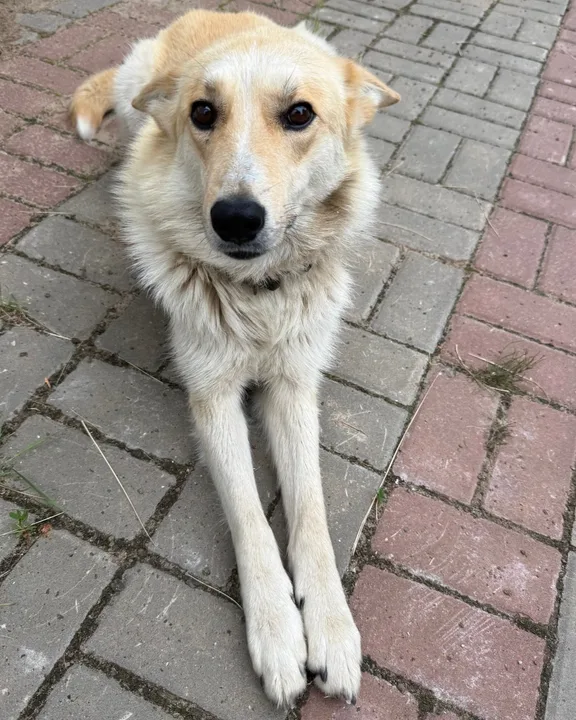 Photo
Photo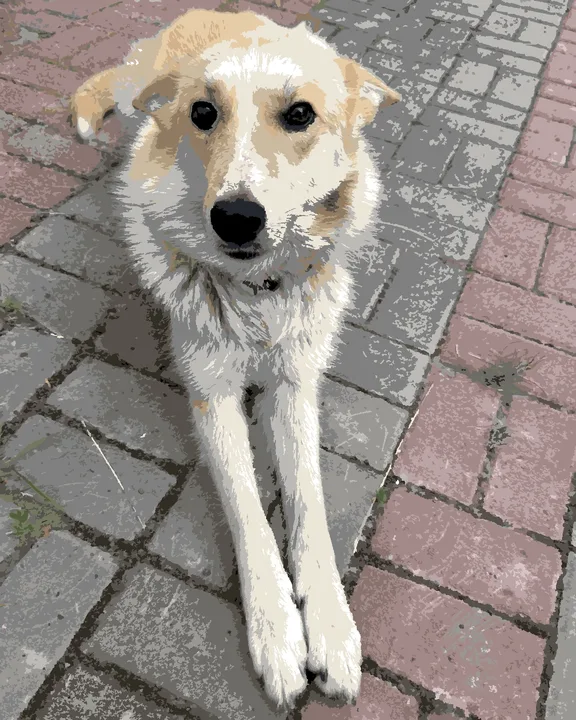 Painting
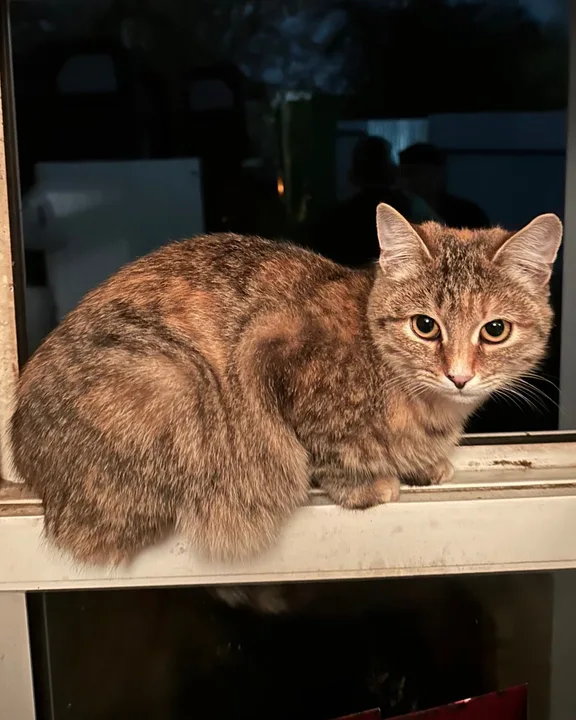 Photo
Photo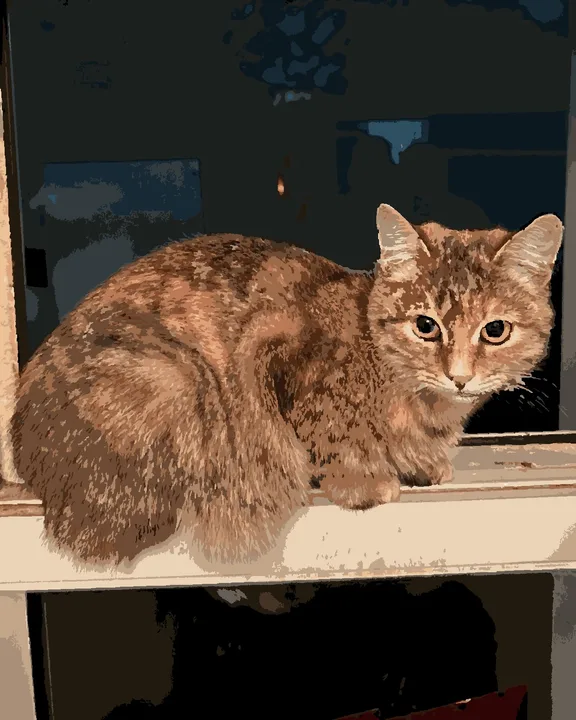 Painting
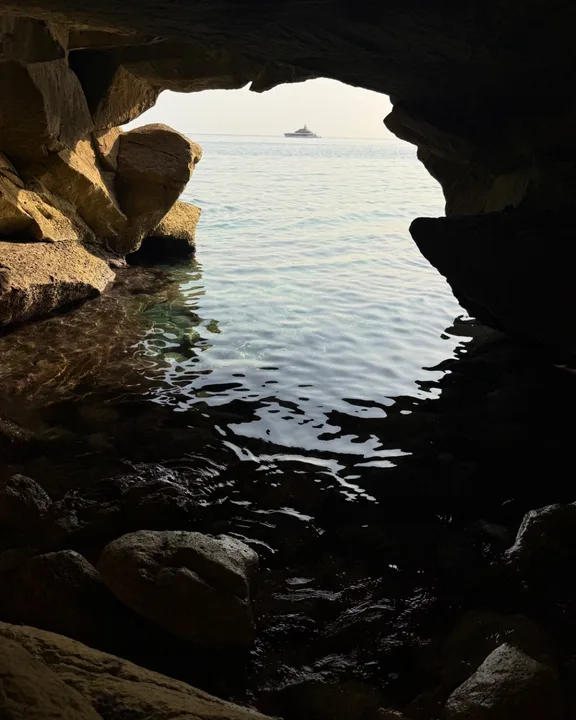 Photo
Photo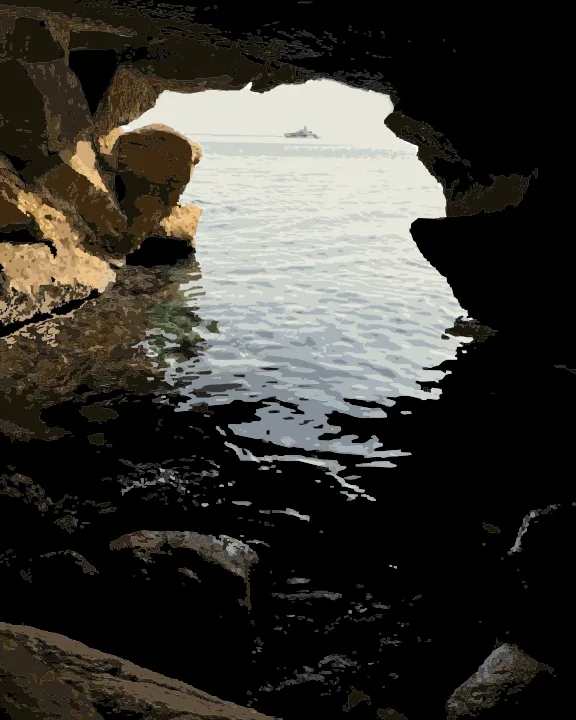 Painting
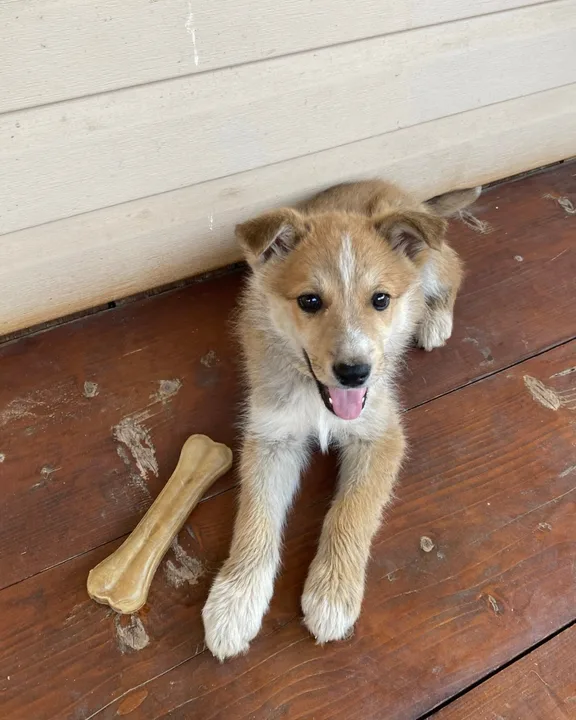 Photo
Photo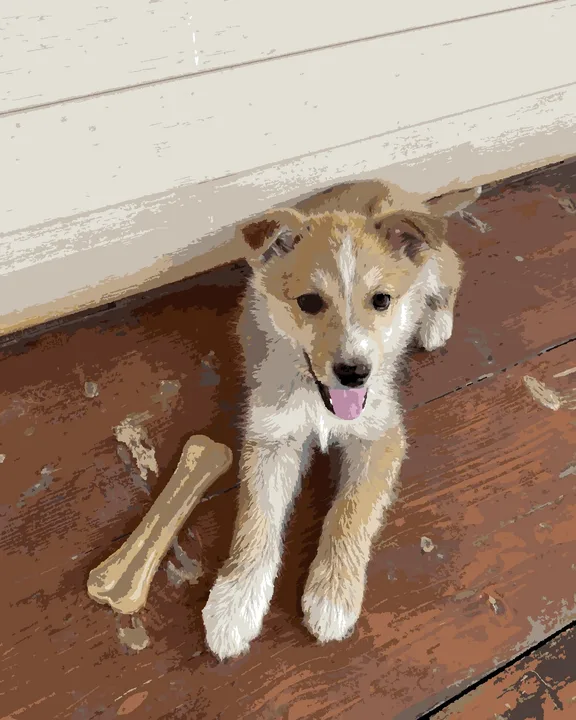 Painting
Want to try more than paint by numbers? With our partners at Artia Club, the same photo can become a jigsaw puzzle, pixel art, a cross-stitch pattern or a spooky horror picture.
Explore finished pictures from the public catalogue before creating your own.
Only you can see it. It never enters the public catalogue.
Invite family or friends to color your picture together via an invite link. More about painting together →
The original shows through painted pieces — special magic with your own shot.
Try it with zero commitment. Later ones cost play points you earn by painting.
Your first photo picture is free. Later ones cost play points (✨) you earn by painting and ranking — no payments involved.
Only you — and friends you invite to paint together via a link. User pictures never join the public catalogue.
High-contrast shots with one clear subject: portraits, pets, landscapes. The system auto-tunes the palette to your photo.
In the web version at app.ifutureart.com and in the Telegram mini-app — right now. The iOS app — already on the App Store. The Android app — soon.